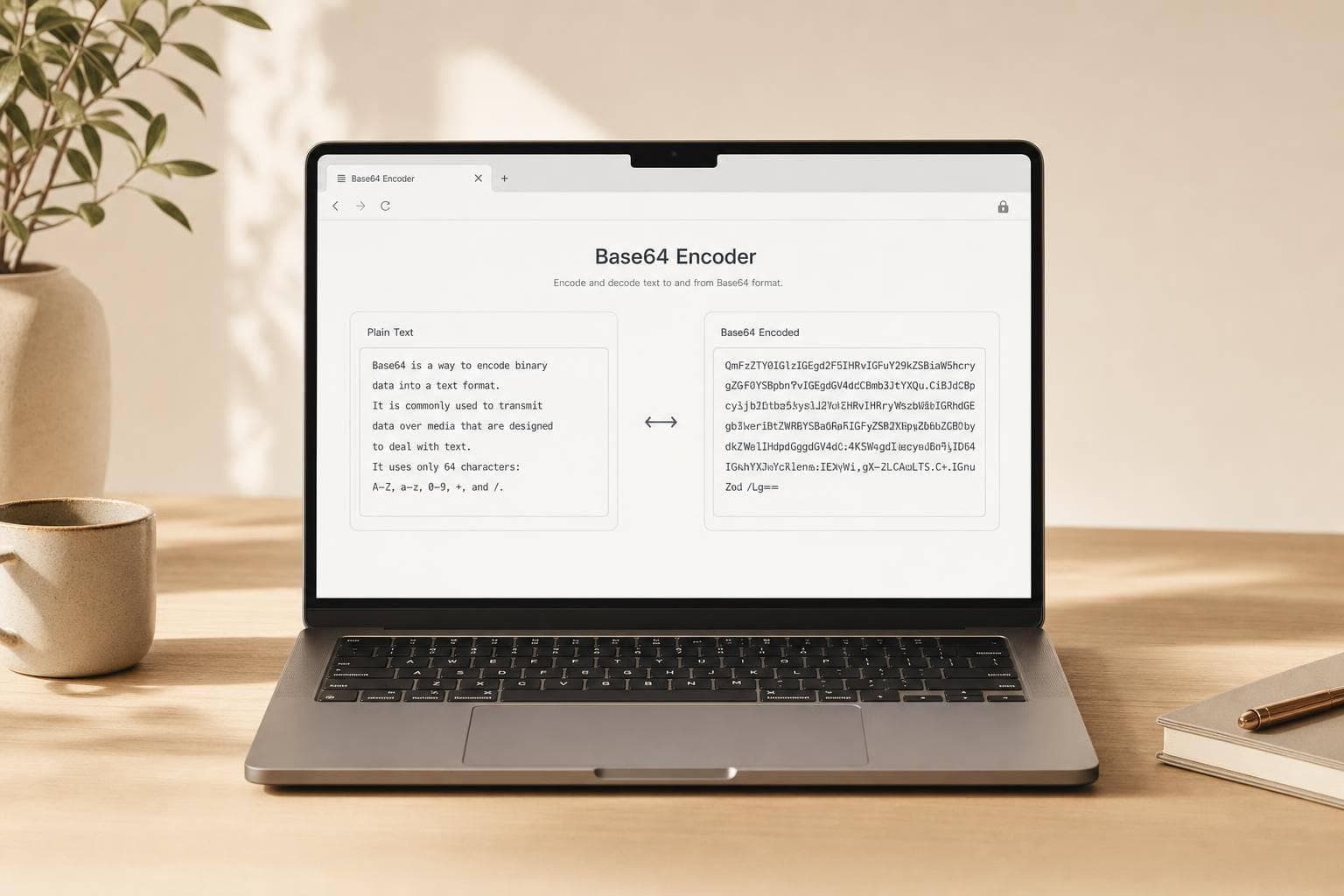
Base64 Encoder
Fast, Private Base64 Conversion in Your Browser
A reliable Base64 Encoder is one of those small tools that saves time more often than you'd expect. Whether you're preparing text for an API request, checking an encoded value, or troubleshooting a config string, it's helpful to have a clean way to convert text without installing anything. This browser-based tool lets you encode plain text to Base64 and decode Base64 back into readable content in seconds.
Built for Simple Text Workflows
The interface stays focused: one input area, clear actions, and a separate output field for results. It uses standard UTF-8 handling, so regular text, accented characters, and other non-ASCII input are processed correctly. When decoding, the tool validates the string first and alerts you if the Base64 content is malformed.
No Uploads, No Server Processing
Everything happens locally in your browser, which is ideal for privacy and speed. If you need a quick Base64 decoder for debugging or a dependable way to convert text to an encoded string, this tool keeps the job simple. It's a practical option for developers, students, and anyone who wants accurate text-based Base64 conversion without extra clutter.
FAQs
What does this Base64 Encoder and Decoder do?
It converts plain text into Base64 format and can also reverse that process to turn Base64 back into readable text. It's useful when you need to work with encoded strings in APIs, configuration files, debugging tasks, or simple text transformations. Everything runs directly in the browser, so the process is quick and private.
Does this tool support UTF-8 text and special characters?
Yes. The tool is designed to handle standard UTF-8 text, which means it can correctly encode and decode common international characters, symbols, and emojis along with regular letters and numbers. That matters because basic Base64 examples often assume plain ASCII, but real-world text usually includes more than that.
What happens if I try to decode invalid Base64?
The tool checks whether the input is valid Base64 before attempting to decode it. If the content is malformed, it shows a clear error message so you know the input needs to be fixed. This helps prevent confusing output and makes it easier to troubleshoot copied strings, missing padding, or accidental extra characters.