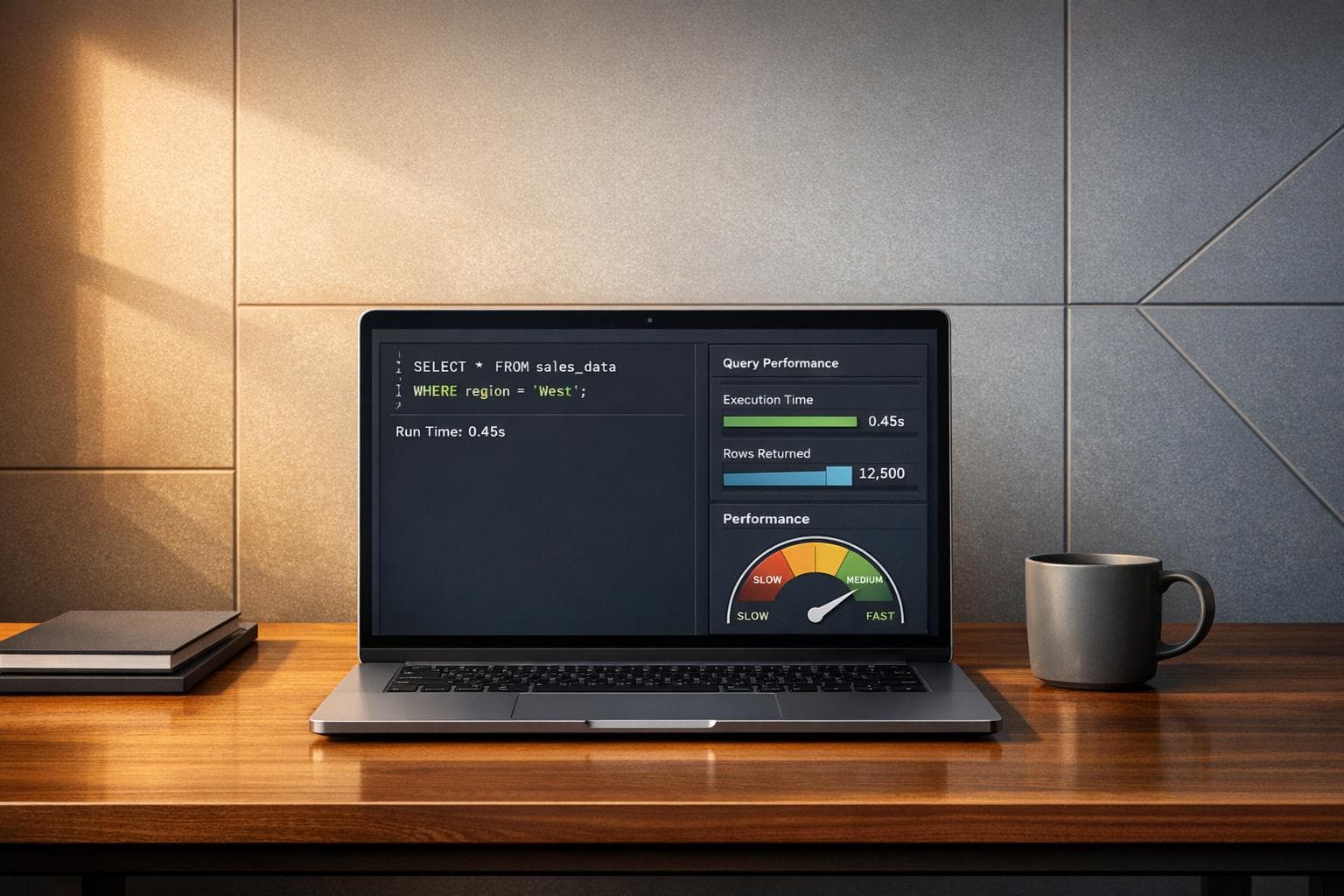
Data Query Performance Analyzer
Optimize Your Database with a Data Query Performance Analyzer
If you’ve ever watched a database query crawl along, you know the frustration of waiting for results—or worse, dealing with timeouts. Slow queries can drag down applications, frustrate users, and even spike server costs. That’s where a tool to analyze SQL performance comes in handy. It’s like having a seasoned DBA look over your shoulder, pointing out inefficiencies and offering fixes without the hefty consulting fee.
Why Query Performance Matters
Database speed isn’t just a nice-to-have; it’s often the backbone of a smooth user experience. Whether you’re running a web app, generating reports, or powering an e-commerce site, sluggish queries can bottleneck everything. A smart analysis tool breaks down your SQL code, estimates its execution cost, and highlights trouble spots like unindexed columns or poorly structured joins. From there, you get tailored tips to streamline operations.
Take Control of Your Database Speed
Don’t let inefficient code hold you back. With the right utility, you can transform slow, resource-hogging queries into lean, fast operations. Dive into SQL optimization today and see the difference a few targeted tweaks can make for your system’s responsiveness.
FAQs
How does this tool analyze my SQL query without a real database?
Great question! Our Data Query Performance Analyzer doesn’t run your query on an actual database. Instead, it uses static analysis with built-in rules and heuristic models to spot common performance pitfalls. Think of it like a code review for SQL—it looks for patterns like full table scans or missing indexes and estimates their impact. While it’s not 100% precise without real data, it’s a fantastic starting point to catch obvious issues and get practical advice.
Which database types are supported by this analyzer?
Right now, we support popular systems like MySQL and PostgreSQL since they’re widely used and have distinct optimization needs. When you input your query, just pick the database type from the dropdown, and the tool adjusts its analysis to match that system’s quirks. We’re working on adding more options like SQL Server down the line, so stay tuned for updates!
Can I trust the optimization suggestions for complex queries?
Absolutely, though with a small caveat. This tool is built to handle a wide range of SQL queries, from simple selects to multi-table joins, by flagging common inefficiencies and suggesting fixes like adding indexes or rewriting conditions. For super complex queries with lots of dependencies, the recommendations are still helpful but might not cover every edge case. Use them as a solid foundation, then test the optimized query in your actual environment to confirm the gains.