
How to Build a PySpark CDC Pipeline with Kafka & Debezium
In the rapidly evolving field of data engineering, the ability to create real-time pipelines capable of handling Change Data Capture (CDC) events has become a crucial skill. This step-by-step tutorial explores how to build a PySpark-based CDC pipeline using Kafka and Debezium, an innovative approach for efficiently processing and evolving data streams. Whether you're a mid-level professional or an aspiring data engineer, this guide will help you bridge theoretical knowledge with practical application.
By the end of this article, you'll have a firm understanding of how to use Postgres SQL, Debezium, Kafka, and Delta Lake together to build a robust CDC pipeline. Additionally, you'll learn how to handle schema evolution dynamically to ensure your pipeline adapts seamlessly to upstream changes.
Understanding the Core Components of the Pipeline
Before diving into the implementation, let’s break down the key technologies involved in this pipeline:
1. PostgreSQL Write-Ahead Log (WAL)
PostgreSQL’s WAL is used to record database changes such as inserts, updates, and deletes. Debezium reads this log to track change events.
2. Debezium
Debezium is a Kafka Connect-based tool that captures changes from the PostgreSQL WAL and publishes them as JSON events to Kafka topics.
3. Kafka
Kafka acts as the messaging layer, streaming Debezium’s change events to downstream consumers.
4. Confluent Schema Registry
The Schema Registry ensures that the schemas of the Kafka topic messages remain consistent. It simplifies schema management and allows for safe schema evolution.
5. PySpark
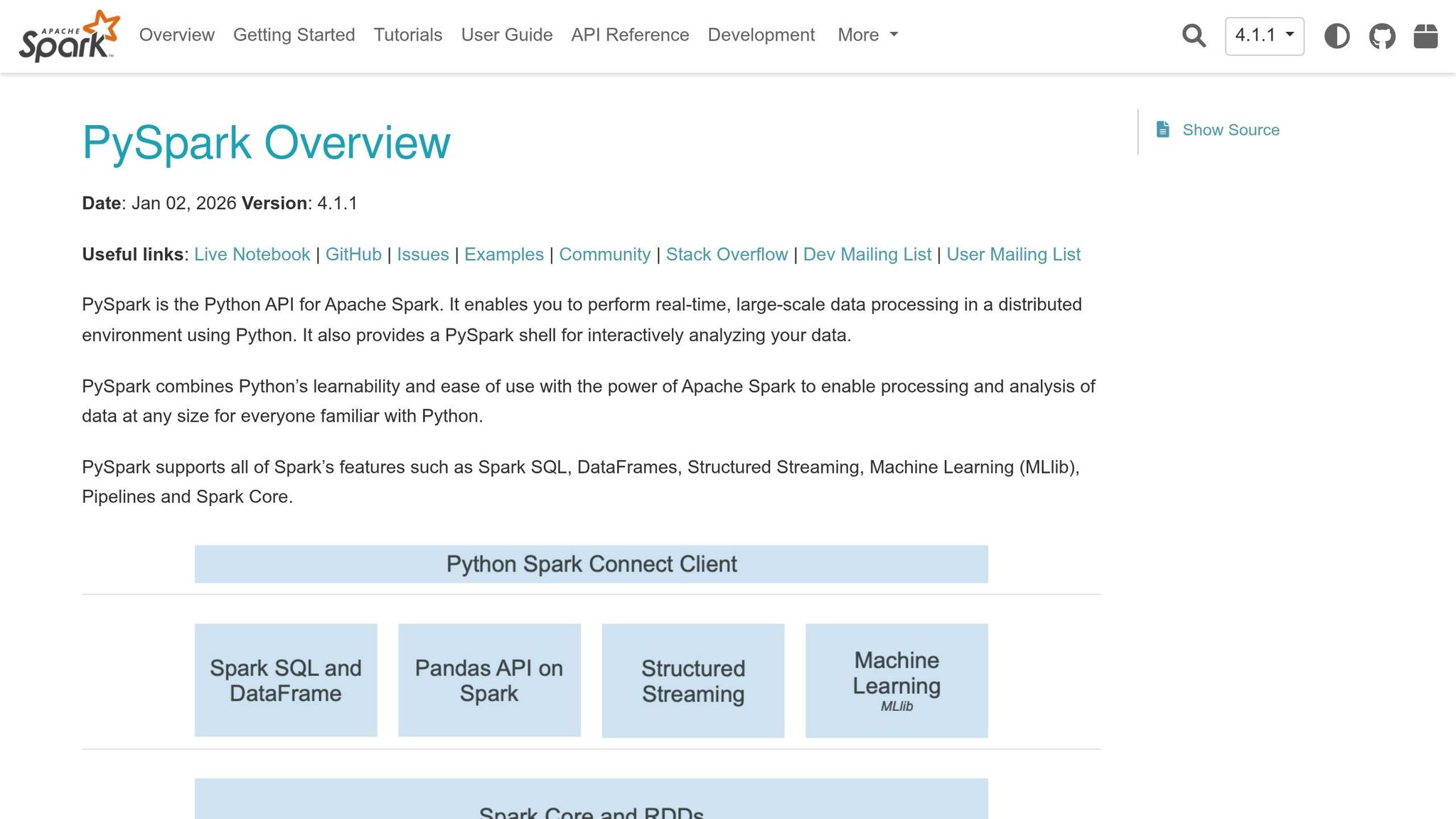
PySpark processes the Kafka change events using structured streaming and merges them into a Delta Lake, ensuring the data remains queryable and up-to-date.
6. Delta Lake
Delta Lake is used as the storage layer for the pipeline. It supports ACID transactions, schema evolution, and efficient upserts, making it ideal for managing CDC workflows.
sbb-itb-61a6e59
Step-by-Step Guide to Building the Pipeline
Step 1: Set Up Your Environment and Dependencies
To begin, ensure you have the following tools installed:
- Apache Spark (with PySpark)
- Kafka
- PostgreSQL
- Debezium Connectors
- A Schema Registry (e.g., Confluent)
Additionally, import the essential Python libraries such as pyspark.sql, json, and logging for handling data, schema management, and error tracking.
Step 2: Capture CDC Events with Debezium
Debezium operates as a Kafka Connect plugin that reads PostgreSQL’s WAL and translates these changes into JSON-formatted CDC events. Each event is wrapped in a Debezium envelope, detailing:
- The operation type (insert, update, delete)
- The time of the event
- The "before" and "after" states of a row
Once Debezium is configured, it streams these events into a Kafka topic.
Step 3: Register Schemas with a Schema Registry
To ensure schema consistency, register the table’s current schema with the Confluent Schema Registry. The Schema Registry acts as a mediator, enabling the pipeline to handle schema evolution.
Key feature: When the upstream table schema changes (e.g., adding a new column), Debezium propagates the updated schema to the registry. This ensures that downstream consumers like Spark can adapt to schema updates dynamically.
Step 4: Initialize the PySpark Session
Set up a PySpark session with the Delta Lake extension enabled. The PySpark session allows you to:
- Read from Kafka topics
- Parse the incoming CDC events
- Handle schema evolution
- Write the processed data to a Delta Lake
Configuration Highlights
- Enable Delta Lake’s
automergeproperty to allow seamless schema evolution during table merges. - Use structured streaming to process CDC events in real time.
Step 5: Fetch and Parse the Latest Schema
Fetching the schema from the registry ensures that PySpark is always working with the most up-to-date schema. Map the Avro schema types to PySpark’s data types, enabling the pipeline to interpret the data correctly.
Schema Conversion Process
- Query the Schema Registry API for the latest schema version.
- Parse the Avro schema into a PySpark
StructType. - Update the pipeline’s in-memory schema representation whenever a new schema version is detected.
Step 6: Process CDC Events in Micro-Batches
Next, initialize a Kafka stream in PySpark to process incoming CDC events. Each batch of events undergoes the following steps:
- Parse the Debezium Envelope: Extract the nested fields (e.g., "before", "after") to identify the changes.
- Deduplicate Events: Ensure that only the latest change for a given row is processed within the batch.
- Build an Upsert Statement: Dynamically construct a merge statement to handle inserts, updates, and deletes.
Handling Operations
- Insert: Add new rows to the Delta table.
- Update: Modify existing rows with new data.
- Delete: Remove rows marked for deletion.
Step 7: Monitor and Handle Schema Evolution
Every few micro-batches, compare the current schema to the schema fetched from the registry. If a schema change is detected:
- Log the differences (e.g., added or removed columns) for observability.
- Update the in-memory schema and restart the streaming query to incorporate the changes.
- Leverage Delta Lake’s
automergefeature to add new columns automatically to the target table.
Step 8: Merge Processed Data into a Delta Table
Finally, merge the processed data into a Delta Lake table. This ensures that your pipeline maintains a consistent and queryable state. Delta Lake’s transaction log enables efficient upserts and ensures data integrity.
Key Takeaways
- CDC Pipelines Simplify Real-Time Data Management: By capturing and processing change events, CDC pipelines enable businesses to maintain up-to-date datasets without full-table reloads.
- Debezium + Kafka = A Powerful Duo: Debezium’s ability to track changes and Kafka’s scalability provide a robust messaging backbone for your pipeline.
- Schema Evolution Made Simple: Using the Confluent Schema Registry and Delta Lake’s
automergefeature ensures that your pipeline adapts dynamically to schema changes. - PySpark for Real-Time Processing: PySpark’s structured streaming capabilities make it an excellent choice for processing CDC events in micro-batches.
- Delta Lake for Data Reliability: Delta Lake’s ACID properties and schema evolution support make it the ideal storage layer for CDC pipelines.
- Practical Skills for Data Engineers: This tutorial equips you with a hands-on understanding of tools and techniques used in modern data engineering.
Conclusion
Building a real-time CDC pipeline with PySpark, Kafka, and Debezium may seem complex, but this guide breaks down the process into manageable steps. By understanding the key components - PostgreSQL, Debezium, Kafka, Schema Registry, PySpark, and Delta Lake - you can construct a reliable and scalable data pipeline.
Whether you're working on upskilling for a data engineering role or building a production-grade application, mastering this workflow is a valuable addition to your toolkit. With proper implementation, you can ensure that your data infrastructure is future-proof and ready to handle ever-changing requirements.
Empowered with this knowledge, you can now design and implement a pipeline that not only processes CDC events efficiently but also adapts seamlessly to schema changes, keeping you ahead in the competitive field of data engineering. Happy building!
Source: "Build a PySpark CDC Pipeline with Debezium & Kafka (Step-by-Step)" - The Data Guy, YouTube, Mar 6, 2026 - https://www.youtube.com/watch?v=fV8EFR27gE8