
Complete Guide to Databricks Lakehouse and Delta Lake
Databricks Lakehouse and Delta Lake, Explained for Data Engineers and AI Builders
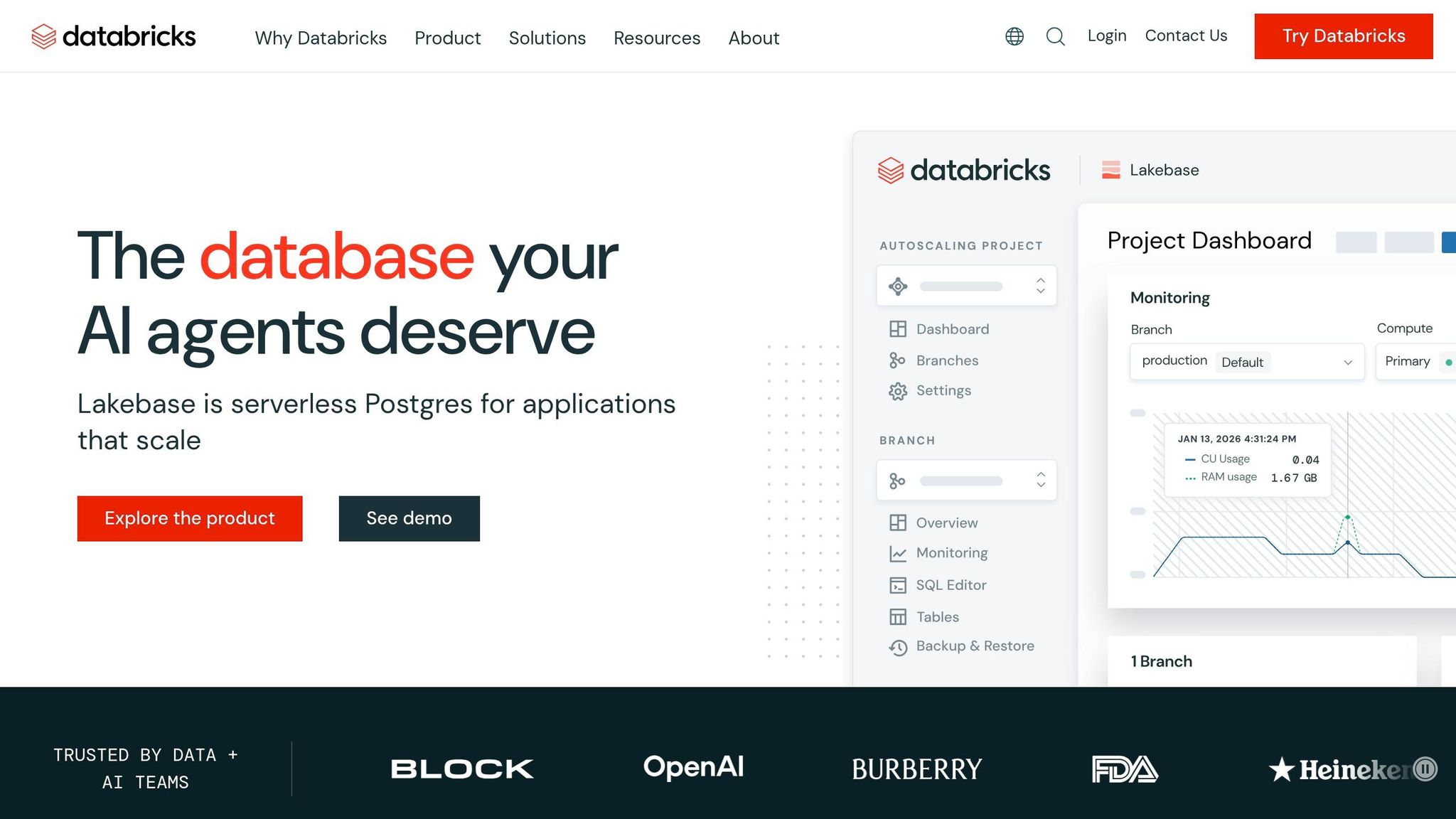
Modern data teams rarely struggle because they lack tools. They struggle because they have too many disconnected tools.
One platform stores raw files. Another powers dashboards. A third handles machine learning. A fourth orchestrates pipelines. Before long, the architecture looks less like a strategy and more like a patchwork of compromises: duplicated datasets, inconsistent security rules, unclear lineage, and rising compute bills.
That pain is exactly why the lakehouse model gained traction, and why Databricks became such an important platform in data engineering and AI. In the video, Reed frames Databricks not simply as another cloud product, but as a system designed to unify data engineering, SQL analytics, machine learning, and streaming around a shared storage and governance model.
For professionals aiming to move into data engineering or AI engineering, understanding Databricks matters for two reasons:
- It reflects how modern enterprise data platforms are being designed
- Its concepts now influence adjacent ecosystems, especially Microsoft Fabric
This article breaks down the platform in practical terms, adds context around where Databricks fits, and highlights what matters most if you're building job-ready architecture skills.
sbb-itb-61a6e59
Key Takeaways
- Databricks emerged to solve the "two systems for one job" problem: separate data lakes for flexibility and warehouses for reliability.
- The lakehouse model combines low-cost storage with warehouse-style reliability, using Delta Lake to add transactions, versioning, and schema enforcement.
- Delta Lake is open source, which is why the same ideas now appear in platforms like Microsoft Fabric.
- Databricks is a platform layer on top of cloud infrastructure, not a replacement for Azure, AWS, or Google Cloud.
- Its core building blocks are workspace tools, compute options, Delta storage, and Unity Catalog governance.
- The platform supports four major workloads: data engineering, SQL analytics, machine learning, and streaming.
- Databricks and Microsoft Fabric are both competitors and complements; many organizations will use both.
- You do not need to be deeply Python-first to get started; SQL-heavy roles can still be highly productive in Databricks.
- For career growth, focus on architecture patterns, governance, and compute behavior, not just notebooks and syntax.
Why the Lakehouse Exists
To understand Databricks, start with the problem it was built to address.
Historically, organizations leaned on two separate architectural patterns:
Data warehouses
Warehouses offered:
- structured data models
- strong performance for analytics
- reliability and governance
But they also came with tradeoffs:
- higher cost
- rigid schemas
- weaker support for semi-structured and unstructured data
- less flexibility for large-scale experimentation
Data lakes
Lakes offered:
- low-cost storage
- support for raw files of many kinds
- flexibility for future use cases
But classic lakes often became messy:
- weak governance
- inconsistent schemas
- difficult querying
- poor transactional guarantees
In Microsoft terms, the video compares this split to environments where teams used a warehouse technology like Synapse alongside ADLS Gen2 for file storage. That pattern was common, but it introduced repeated operational friction.
The real enterprise pain points
The video highlights three recurring problems that show up when storage and analytics are fragmented:
1. Data silos
The same data gets copied into multiple places:
- raw storage
- staging areas
- warehouse tables
- reporting layers
This increases latency, storage costs, and confusion over which dataset is authoritative.
2. Governance gaps
Warehouses and file-based lakes often evolve different:
- permissions models
- audit trails
- lineage systems
- access controls
That makes it hard to enforce a single source of truth for who can access what.
3. Cost sprawl
When data moves across multiple systems, organizations pay repeatedly:
- for storage in more than one place
- for ETL jobs shuttling data between systems
- for compute across separate platforms
For a working data engineer, this is more than a design issue. It becomes a delivery problem. Every extra copy of data creates another failure point.
What a Lakehouse Actually Means
Databricks popularized the idea of the lakehouse: a platform that keeps the flexibility of a lake while adding the reliability and performance characteristics people expect from a warehouse.
In practical terms, a lakehouse aims to support:
- structured, semi-structured, and unstructured data
- ACID transactions
- fast analytics queries
- lower-cost storage than traditional warehouse-only architectures
This is the critical shift: instead of treating storage for analytics, data science, and engineering as separate worlds, the lakehouse treats them as different workloads on top of a shared foundation.
That design matters because modern teams no longer build only BI pipelines. They also need:
- feature engineering
- model training
- streaming ingestion
- ad hoc exploration
- natural language interfaces
- governance across all of it
A warehouse-only approach can feel too narrow. A raw-lake-only approach can feel too chaotic. The lakehouse tries to sit in the middle.
Delta Lake: The Technical Foundation Behind the Lakehouse
The lakehouse idea depends on one key enabling layer: Delta Lake.
The video notes that Databricks coined the lakehouse term in 2020 and open-sourced Delta Lake earlier, in 2019. That distinction matters. Databricks did not just market a concept; it created a storage format and transaction layer that made the concept practical.
What Delta Lake adds
At its core, Delta Lake is described as Parquet plus a transaction log. That transaction layer changes the behavior of a data lake in important ways.
Classic file-based lakes often suffer from:
- partial writes
- inconsistent reads
- no rollback
- no built-in versioning
- weak schema protection
Delta Lake addresses those issues through ACID properties:
ACID, in practical data engineering terms
Atomicity
A write either completes fully or not at all.
This prevents half-written tables after failed jobs.
Consistency
Data transitions only between valid states.
Schema rules help prevent broken writes.
Isolation
Multiple readers and writers do not interfere with one another.
This matters when many pipelines, analysts, and applications hit the same tables.
Durability
Once a transaction is committed, it persists through failures.
Combined with version history, this also enables time travel and rollback.
For engineers, this is where Delta Lake becomes career-relevant. Understanding Delta is not just about memorizing file format trivia. It is about knowing why modern pipelines can be both flexible and production-safe.
Databricks as a Platform: Think in Layers
A useful part of the video is its layered explanation of Databricks. Instead of treating it as a single tool, it presents Databricks as a stack of capabilities.
That is the right mental model.
Workspace Layer: Where People Work
This is the collaboration and development surface.
Common components include:
- Notebooks for engineering, analytics, and experimentation
- SQL Editor for writing queries and exploring data
- Jobs for scheduling and orchestration
- Repos for Git-backed version control
- Dashboards for lightweight native reporting
If you come from Microsoft tools, the comparison is intuitive:
- notebooks resemble Fabric notebooks
- SQL editor overlaps with SQL endpoints
- jobs align with pipeline orchestration concepts
- repos map to GitHub or Azure DevOps workflows
- dashboards overlap with simpler BI consumption layers
The bigger point is this: Databricks is not only a data processing engine. It is also a developer workspace.
For career switchers, this means your learning path should include:
- notebook development
- SQL workflows
- job orchestration
- source control practices
Not just Spark code.
Compute Layer: How Databricks Runs Workloads
Databricks separates compute from storage, and that design is one of its biggest strengths.
The video outlines three main compute patterns.
All-purpose clusters
These are general interactive compute environments, commonly used for:
- notebooks
- development
- collaborative analysis
They are flexible, but can be more expensive if left idle.
Job clusters
These spin up for a specific task and terminate afterward.
They are usually more cost-efficient for scheduled production workloads because you are not paying for idle time.
SQL warehouses
These power downstream analytics and BI-style querying.
They are the main access layer for SQL users and external reporting tools such as Power BI.
The video also distinguishes among SQL warehouse types:
- Classic
- Pro
- Serverless
Serverless is especially important from an architecture and cost perspective because it reduces startup friction and shifts more infrastructure management away from the customer.
Why this matters professionally
Many mid-level engineers focus heavily on transformations but underinvest in compute literacy. That is a mistake.
In real organizations, strong platform engineers are expected to understand:
- when interactive compute is appropriate
- when ephemeral job compute is cheaper
- when SQL-serving compute should be isolated
- how scaling behavior affects budgets
If you want to move from "pipeline builder" to "platform-capable engineer", compute choices need to become part of your design vocabulary.
Storage and Governance: Delta Lake, Unity Catalog, and Volumes
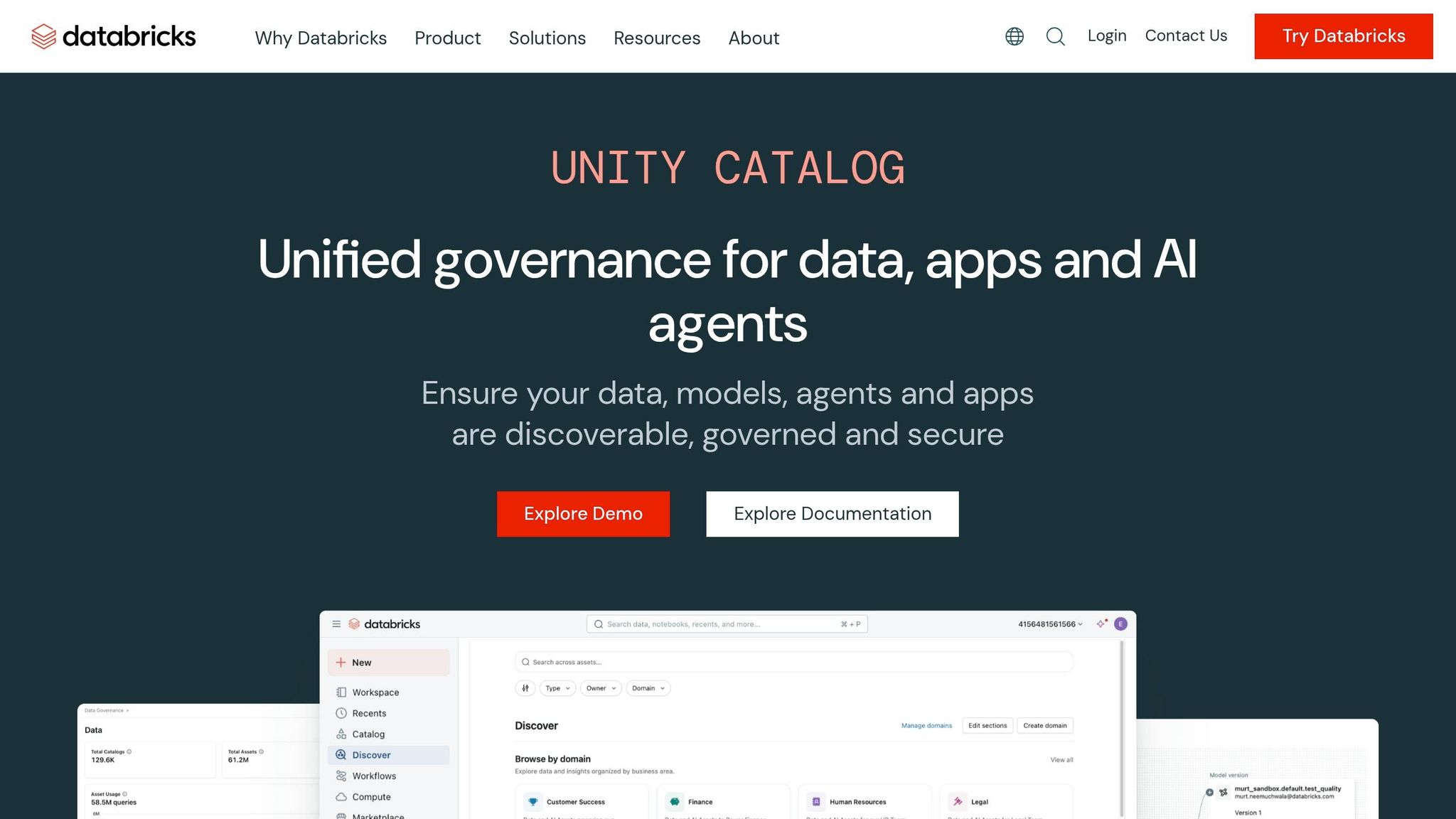
The storage layer is where Databricks becomes more than just managed Spark.
Delta Lake
As covered above, Delta tables provide the core table format.
Unity Catalog
This is the governance and metadata layer that ties the platform together.
The video emphasizes several capabilities:
- hierarchical namespace structure
- access controls
- lineage
- centralized governance
That unified governance model is a major reason Databricks appeals to enterprise teams. Without a system like Unity Catalog, lakehouse architectures can easily regress into another version of a loosely controlled data lake.
Volumes
Volumes are used for non-tabular assets such as:
- files
- images
- machine learning artifacts
That matters because AI and data platforms increasingly manage more than relational-style tables. Production architectures often need to govern both structured datasets and supporting artifacts in one ecosystem.
Databricks Runs on Your Cloud, Not Instead of It
One of the most important clarifications in the video is that Databricks is not your cloud provider. It runs on top of cloud infrastructure.
That means:
- your storage can remain in your cloud account
- Databricks can read and write to it
- compute can scale independently
- you can decide whether to leave data in place or move it into lakehouse-managed structures
This decoupling is significant.
Practical implication #1: Your storage strategy stays flexible
Organizations do not always want to hand over data ownership to a platform. Databricks can work with cloud-native storage while still providing higher-level processing and governance capabilities.
Practical implication #2: Compute becomes elastic
The ability to spin compute up only when needed is a major economic advantage, especially for bursty workloads like:
- nightly ETL
- model training
- backfills
- ad hoc experimentation
Practical implication #3: Architecture can be hybrid
The video correctly pushes back on oversimplified claims that data "never leaves" or always "stays put." In practice, architectures often blend:
- source-in-place access
- copied Delta tables
- serverless processing
- classic compute patterns
That nuance is useful. It reflects what working architects actually face.
Azure Databricks: Why It Matters in Microsoft-Centric Organizations
For professionals in the U.S. job market, Azure Databricks deserves special attention because many enterprises adopt Databricks through Azure rather than as a cloud-agnostic first move.
The video describes Azure Databricks as:
- a native Azure resource
- deployed through the Azure marketplace
- billed through Azure
- integrated with Microsoft identity and services
It also notes integrations with:
- Microsoft Entra ID
- Key Vault
- Event Hubs
- ADLS
- Power BI
- Purview
This matters if your target employers are Microsoft-heavy shops. In many of those environments, Azure Databricks becomes the bridge between:
- cloud-native storage
- enterprise identity
- Spark-scale processing
- downstream Microsoft analytics tools
For job seekers, this creates a practical takeaway: if you already know Azure basics, Databricks can be a natural next specialization.
The Four Core Service Areas in Databricks
The video organizes the platform into four major workload categories. That framing is helpful because many professionals first meet Databricks in one area, then discover it spans much more.
1. Data Engineering
This is often the starting point.
The video references:
- Lakeflow declarative pipelines
- Lakeflow Jobs
- Autoloader
- Spark as the underlying engine
Lakeflow is particularly important because it reflects a broader trend in modern data platforms: engineers increasingly define what they want, while the platform handles more of the operational complexity.
That includes:
- orchestration
- retries
- data quality logic
- dependency handling
For an aspiring data engineer, this suggests a shift in skill priorities. You still need SQL and Python, but you also need to understand:
- pipeline design patterns
- declarative transformations
- ingestion automation
- production reliability concepts
2. SQL Analytics
This is the most approachable on-ramp for analytics professionals.
Using SQL warehouses and the SQL editor, teams can:
- write transformations
- query Delta tables
- power dashboards
- connect BI tools
The video notes that this is where many Power BI users land first. That makes sense. For analysts or analytics engineers, Databricks does not require an immediate leap into distributed Python-heavy workflows.
This is encouraging for people transitioning from:
- BI development
- T-SQL roles
- reporting engineering
- analytics engineering
The career insight here is simple: SQL remains highly relevant in modern lakehouse environments.
3. Machine Learning
Databricks has long positioned itself strongly in machine learning, and the video highlights MLflow as the key lifecycle tool.
MLflow supports:
- experiment tracking
- model versioning
- packaging for deployment
What makes this notable is that MLflow became influential beyond Databricks itself. It represents one of the platform’s broader contributions to the ecosystem.
For AI engineering aspirants, this is where Databricks becomes more than "big data." It becomes an environment for:
- iterative model development
- experiment reproducibility
- production-aware ML workflows
The video does not go deep into model serving details, so anything beyond that is not specified in the video. Still, the broader implication is clear: Databricks is designed to support the full path from raw data to deployable ML assets.
4. Streaming
Streaming is often where platform fragmentation becomes most painful. Many organizations maintain one architecture for batch and another for real-time processing.
The video highlights Databricks’ use of:
- Structured Streaming
- continuously running lakehouse pipelines
The core value proposition is consistency: batch and streaming can use the same engine and similar programming model.
That is a major operational advantage. Every time you avoid maintaining a separate technology stack, you reduce:
- team specialization silos
- monitoring complexity
- code divergence
- support overhead
For employers hiring senior data engineers, streaming experience is often a differentiator. Even conceptual understanding of unified batch/stream design can help candidates stand out.
Databricks vs. Fabric: Competing, Overlapping, and Often Used Together
One of the strongest parts of the video is its refusal to treat Databricks and Microsoft Fabric as a simplistic winner-take-all battle.
That is realistic.
Where Databricks is especially strong
According to the video, Databricks stands out in:
- heavy data engineering
- large-scale machine learning
- real-time streaming
- multi-cloud environments
- open-source-oriented workflows
That profile aligns with how many technical teams see it: an engineering-first platform with broad flexibility and strong scale characteristics.
Where Fabric has advantages
The video points to Fabric strengths in:
- semantic modeling
- Microsoft ecosystem integration
- T-SQL familiarity
- low-code data prep
- Office and OneLake alignment
The note about Microsoft’s modeling engine is especially relevant for BI professionals. In many enterprises, semantic modeling and downstream Power BI consumption remain critical.
Integration points between the two
The video identifies several ways Databricks and Fabric can coexist:
OneLake shortcuts
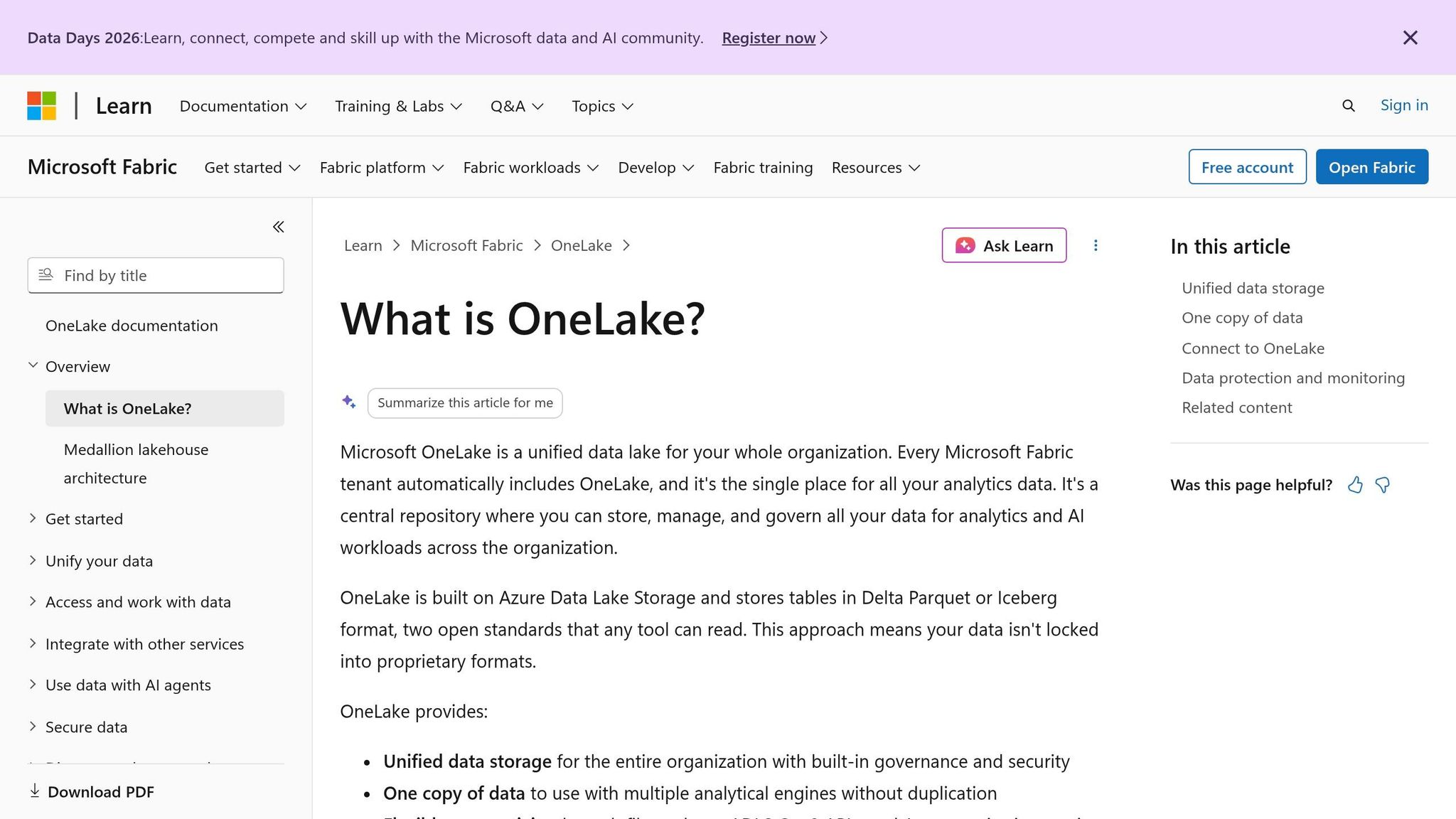
Fabric can reference data stored elsewhere without requiring copies.
DirectQuery to Databricks SQL
Power BI can query Databricks SQL warehouses in live mode.
Unity Catalog mirroring
Fabric can mirror governed Databricks tables into OneLake, with updates staying synchronized.
What this means architecturally
For practitioners, the lesson is not "choose one forever." It is:
- know the overlap
- know the strengths
- know when interoperability is the smart design choice
In a real enterprise, you may find:
- Databricks used for ingestion, transformation, and ML
- Fabric used for semantic modeling and business consumption
- Power BI consuming from one or both depending on latency and governance needs
That hybrid literacy is valuable in the market because many organizations are still evolving, not rebuilding from scratch.
The Main Personas Using Databricks
Another helpful framework from the video is its persona breakdown. If you are building a career roadmap, this section is especially useful.
Data Engineer
Typically focused on:
- pipelines
- medallion architecture
- notebooks
- Python and SQL
This is the most obvious Databricks-aligned role and often the first role people associate with the platform.
SQL Analyst or Analytics Engineer
Typically focused on:
- SQL warehouses
- transformations
- gold-layer modeling
- reporting-ready datasets
This role is a reminder that not every Databricks professional is a Spark-heavy coder.
Data Scientist
Typically focused on:
- notebooks
- MLflow
- experimentation
- Python or R
- model deployment workflows
Databricks supports collaborative science and governed production movement, which is why it often appeals to enterprise ML teams.
Platform Admin
Typically focused on:
- Unity Catalog
- cluster policies
- networking
- governance
- cost management
This role is frequently underestimated by learners. Yet platform administration is where architecture quality, compliance, and cost control become real.
Career interpretation
If you are planning an upskilling path, identify which persona is closest to your target role. Then build depth in the platform areas that map to it.
For example:
- aspiring data engineers should prioritize Lakeflow, Delta, jobs, and medallion design
- analytics engineers should prioritize SQL warehouses, governance, and serving-layer design
- AI engineers should prioritize MLflow, notebook workflows, and structured data pipelines feeding models
- platform-minded engineers should prioritize Unity Catalog, policies, security, and cost behavior
The Medallion Pattern: Still Useful, but Not Magic
The video presents the familiar bronze, silver, gold structure:
- bronze for raw ingested data
- silver for cleaned and conformed data
- gold for business-ready outputs
This "increasing purity" metaphor has become common across modern data platforms.
It remains useful because it gives teams a shared language for:
- data quality stages
- transformation responsibilities
- downstream readiness
That said, professionals should avoid treating medallion architecture as automatic best practice. It is a pattern, not a law.
The video presents it as an industry-standard baseline, which is fair. But in practice, strong engineers still need to decide:
- whether each layer is necessary
- how many hops are justified
- what belongs in curated models vs. semantic layers
- how to avoid turning every pipeline into overengineered ceremony
That judgment is part of what distinguishes a hands-on practitioner from someone who only knows the diagram.
A Practical End-to-End Databricks Flow
The example architecture in the video follows a familiar enterprise path:
- Source systems such as ERP, CRM, and flat files
- Ingestion into the platform
- Engineering and medallion processing
- Governance through Unity Catalog
- Serving through Databricks SQL or mirrored access paths
- Consumption through BI, notebooks, ML workflows, and AI interfaces
This model is valuable because it shows Databricks as a full platform, not just a transformation engine.
The consumption layer mentioned in the video includes:
- Power BI
- notebooks
- MLflow-driven ML lifecycle work
- native dashboards
- natural-language and AI-oriented interfaces such as Genie and Mosaic AI
The exact implementation details of those AI capabilities are not deeply specified in the video, but their presence reinforces a larger theme: Databricks is increasingly positioning itself as a data-plus-AI platform, not just a lakehouse vendor.
What Mid-Career Professionals Should Learn from This
If you are trying to transition into data engineering or AI engineering, the value of this video is less about product memorization and more about platform thinking.
Here are the deeper lessons.
1. Learn architectural tradeoffs, not just tool names
Anyone can memorize that Databricks has notebooks, jobs, and SQL warehouses. More valuable is knowing:
- why job clusters save money
- why Delta matters for reliability
- why governance needs a central layer
- when a hybrid Fabric-plus-Databricks model makes sense
2. Build around shared data foundations
Modern platforms increasingly converge on:
- decoupled storage and compute
- open table formats
- centralized governance
- multi-workload support
Understanding Databricks helps you understand that entire industry direction.
3. SQL is still a career asset
The video repeatedly reinforces a practical truth: you do not need to be a pure Python engineer to create value in Databricks.
For many professionals, SQL remains the fastest route into:
- analytics engineering
- transformation design
- gold-layer dataset building
- BI-serving optimization
4. Governance knowledge is a force multiplier
Too many learners focus on transformation syntax and ignore governance. In production environments, lineage, access control, auditability, and cost policies are not side topics. They are the platform.
5. Databricks literacy now helps beyond Databricks
Because concepts like Delta Lake, medallion architecture, and MLflow influence adjacent ecosystems, learning Databricks gives you transferable architecture knowledge.
Conclusion
Databricks matters because it represents more than a toolset. It reflects a broader shift in how data platforms are built: shared storage, elastic compute, unified governance, and support for analytics, engineering, streaming, and AI in one ecosystem.
The video’s most useful contribution is its breadth. It shows how Databricks fits into the larger cloud and Microsoft landscape, why Delta Lake changed the conversation around data lakes, and where the platform shines relative to Fabric.
For technical professionals, the next step is not to treat Databricks as a buzzword to add to a resume. It is to understand the platform as a set of architectural choices:
- how data is stored
- how compute is allocated
- how governance is enforced
- how different personas use the same foundation
- how enterprise tools coexist rather than exist in isolation
If you can explain those choices clearly, you are already thinking more like a data engineer or AI platform specialist than someone who only knows how to run a notebook.
Source: "What Is Databricks? The Lakehouse Platform Explained" - Analytic Endeavors, YouTube, May 26, 2026 - https://www.youtube.com/watch?v=qjvkpodzyew